
Anúncios
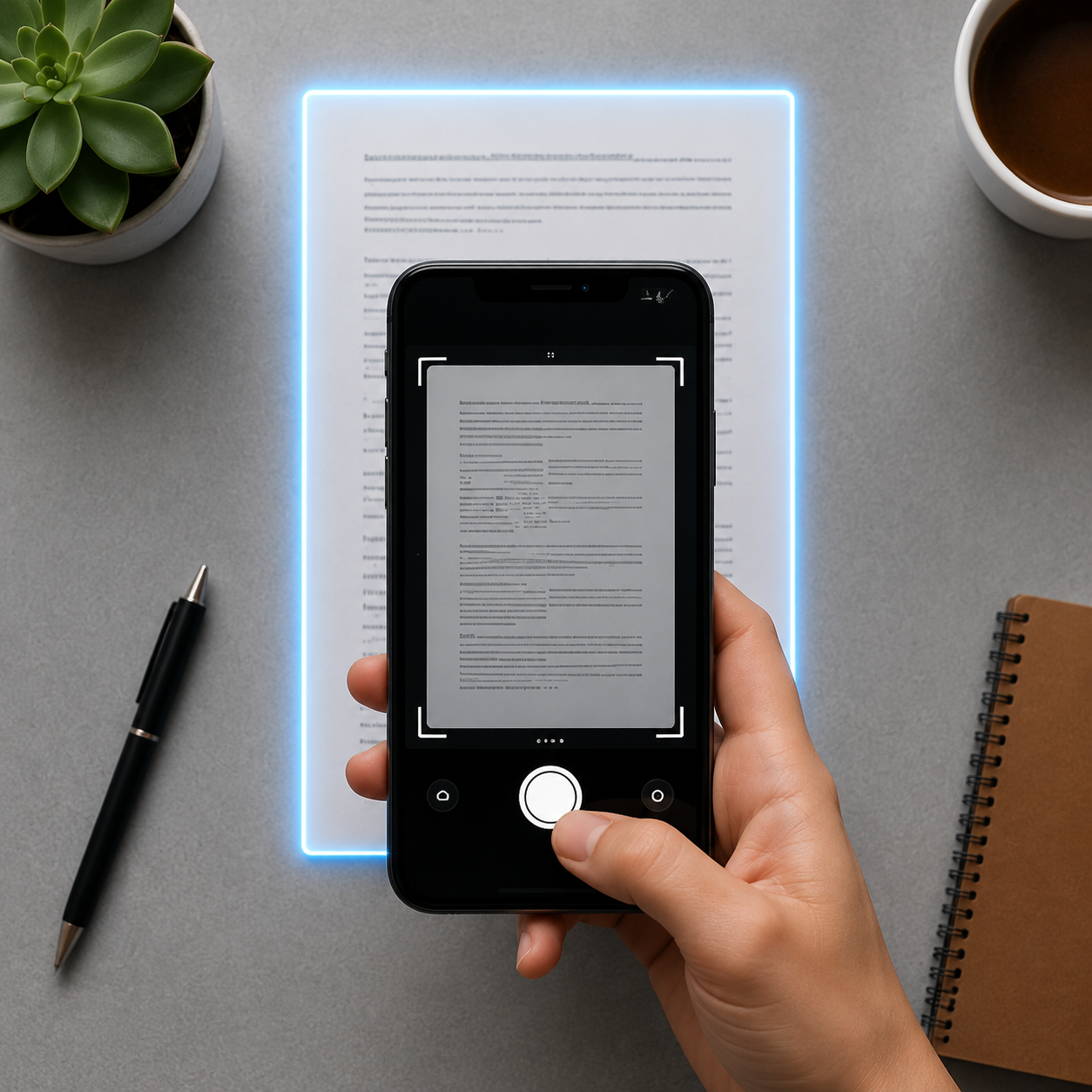
In today’s fast-paced digital world, scanning documents with your smartphone has become essential for productivity, organization, and going paperless effortlessly.
Document scanning applications have revolutionized how we handle paperwork, receipts, contracts, and important files. Gone are the days when you needed bulky scanners or expensive equipment to digitize documents. With just your smartphone camera and the right app, you can transform any piece of paper into a high-quality digital file within seconds.
Anúncios
Whether you’re a student managing class notes, a professional handling business contracts, or simply someone who wants to declutter their home office, document scanning apps offer convenience, efficiency, and powerful features that rival traditional scanning equipment. Let’s explore everything you need to know about these innovative tools and how they can transform your document management workflow.
📱 Why Document Scanning Apps Have Become Indispensable
The transition from physical to digital documentation has accelerated dramatically in recent years. Document scanning applications have emerged as crucial tools for anyone looking to streamline their workflow and reduce paper clutter. These apps utilize advanced camera technology and intelligent image processing to capture, enhance, and organize documents directly from your mobile device.
Anúncios
Modern scanning apps go far beyond simple photo capture. They automatically detect document edges, correct perspective distortion, enhance contrast, remove shadows, and convert images into crisp, readable PDFs or JPEGs. This technology makes professional-quality scanning accessible to everyone, eliminating the need for dedicated hardware.
The convenience factor cannot be overstated. Imagine being able to scan a receipt immediately after a business lunch, digitize a signed contract during a meeting, or capture lecture notes right after class. These apps turn your smartphone into a portable office, ensuring important documents are captured, secured, and organized exactly when you need them.


🎯 Key Features That Define Premium Scanning Applications
Not all document scanning apps are created equal. The best applications distinguish themselves through a combination of powerful features designed to meet diverse user needs. Understanding these capabilities helps you choose the right tool for your specific requirements.
Intelligent Edge Detection and Auto-Cropping
Advanced scanning apps employ sophisticated algorithms to automatically identify document boundaries within your camera frame. This feature ensures that only the document itself is captured, eliminating unnecessary background elements. The technology works even when documents are photographed at angles, automatically correcting perspective distortion to produce perfectly rectangular scans.
Image Enhancement and Optimization
Raw camera captures often contain shadows, uneven lighting, or background noise. Premium scanning applications apply intelligent filters that enhance text clarity, adjust brightness and contrast, remove shadows, and convert color images to crisp black-and-white documents when appropriate. These enhancements ensure that scanned documents are not only legible but professional in appearance.
Optical Character Recognition (OCR) Technology
One of the most valuable features in modern scanning apps is OCR capability. This technology converts images of text into actual searchable and editable text. With OCR, you can search through your scanned documents by keyword, copy text from scanned pages, and even translate content into different languages. This transforms static images into dynamic, functional documents.
Multi-Page Document Scanning
Professional scanning apps allow you to capture multiple pages in sequence and combine them into a single PDF file. This feature is essential when digitizing contracts, reports, books, or any multi-page document. The apps maintain consistent formatting across pages and allow you to reorder, delete, or add pages as needed.
Cloud Integration and Cross-Platform Syncing
The best scanning applications seamlessly integrate with popular cloud storage services like Google Drive, Dropbox, OneDrive, and iCloud. This integration ensures your scanned documents are automatically backed up, accessible across all your devices, and easily shareable with colleagues or clients. Cross-platform syncing means you can scan on your phone and access documents on your tablet or computer instantly.
💼 Practical Applications Across Different Professions
Document scanning applications serve diverse professional needs, making them versatile tools across numerous industries and personal scenarios. Understanding these use cases can help you maximize the value these apps provide.
For Business Professionals and Entrepreneurs
Business users rely on scanning apps to digitize contracts, invoices, receipts, business cards, and presentation materials. The ability to immediately scan and share signed documents accelerates deal closures and reduces administrative delays. Receipt scanning with automatic expense categorization simplifies bookkeeping and tax preparation. Business card scanning with contact extraction eliminates manual data entry and ensures networking connections are preserved digitally.
For Students and Academic Researchers
Students use scanning apps to digitize lecture notes, textbook pages, assignment handouts, and library materials. This creates searchable archives of academic content that can be accessed anytime, anywhere. Researchers benefit from the ability to quickly capture pages from rare books or archival materials without needing photocopiers. The annotation features in many scanning apps also facilitate active learning and collaborative study.
For Legal Professionals
Attorneys and legal staff handle enormous volumes of documentation. Scanning apps allow them to quickly digitize court documents, client files, evidence materials, and reference materials. The security features, including password protection and encrypted storage, ensure sensitive legal documents remain confidential while remaining accessible when needed.
For Healthcare Workers
Medical professionals use scanning apps to digitize patient forms, prescription records, insurance documentation, and reference materials. The ability to quickly scan and securely transmit patient information improves care coordination while maintaining HIPAA compliance through encrypted transmission and storage options.
For Real Estate Agents
Real estate professionals constantly deal with property documents, inspection reports, contracts, and disclosure forms. Scanning apps enable them to digitize these materials on-site during property visits, ensuring documentation is immediately available to clients and other stakeholders without returning to the office.

🔒 Security and Privacy Considerations
When dealing with sensitive documents, security becomes paramount. Responsible scanning apps implement multiple layers of protection to safeguard your information.
Look for applications that offer password-protected folders, allowing you to secure confidential documents behind additional authentication barriers. Encrypted cloud storage ensures that even if data is intercepted during transmission, it remains unreadable without proper decryption keys. Some premium apps also offer biometric authentication using fingerprint or facial recognition for accessing sensitive documents.
Privacy policies matter significantly when choosing a scanning app. Review how the application handles your data—whether documents remain on your device or are uploaded to company servers, how long data is retained, and whether information is used for advertising or other purposes. Reputable applications maintain transparent privacy policies and comply with international data protection regulations.
📊 Comparing Free versus Premium Scanning Solutions
Most document scanning applications follow a freemium model, offering basic functionality at no cost while reserving advanced features for paid subscribers. Understanding these differences helps you determine whether upgrading makes sense for your needs.
| Feature | Free Version | Premium Version |
|---|---|---|
| Basic Scanning | ✅ Unlimited | ✅ Unlimited |
| OCR Technology | Limited pages/month | ✅ Unlimited |
| Cloud Storage | Limited capacity | ✅ Extended capacity |
| Advanced Filters | Basic options | ✅ Professional suite |
| Batch Processing | ❌ Not available | ✅ Available |
| Ad-Free Experience | ❌ Contains ads | ✅ No advertisements |
| Priority Support | ❌ Limited | ✅ Priority assistance |
For occasional users who scan a few documents monthly, free versions typically provide sufficient functionality. However, professionals who rely heavily on document digitization will find premium subscriptions worthwhile, particularly for OCR capabilities, advanced editing tools, and expanded storage.
🚀 Tips for Getting Professional-Quality Scans
Even with the best scanning app, technique matters. Following these best practices ensures your scanned documents look professional and remain easily readable.
- Ensure adequate lighting: Natural daylight or bright overhead lighting produces the best results. Avoid harsh shadows by positioning lights at angles rather than directly above the document.
- Use flat, contrasting surfaces: Place documents on dark, solid-colored backgrounds to help the app distinguish document edges clearly.
- Hold your device steady: Blurry scans result from camera movement. Consider using both hands or propping your device against a stable surface.
- Keep documents flat: Smooth out wrinkles and flatten curled edges before scanning to avoid distortion.
- Review before saving: Always preview scans and use the app’s editing tools to adjust edges, rotation, or contrast before finalizing.
- Choose appropriate file formats: Use PDF for documents requiring multiple pages or formal sharing, and JPEG for single-page images or photos.
- Organize immediately: Create logical folder structures and use consistent naming conventions to ensure documents remain easily findable.
🌐 Integration with Productivity Ecosystems
Modern scanning apps don’t exist in isolation—they integrate seamlessly with broader productivity tools and workflows. This connectivity amplifies their usefulness and creates streamlined document management systems.
Integration with note-taking applications like Evernote, OneNote, and Notion allows scanned documents to be embedded directly within your notes, creating comprehensive reference materials. Email integration enables you to scan and send documents instantly without switching between applications. Calendar integration helps you attach relevant documents to meeting appointments or events.
Task management tools like Trello, Asana, and Todoist benefit from scanning app integration, allowing you to attach scanned receipts, reference materials, or signed approvals directly to project tasks. Accounting software integration automates expense reporting by uploading scanned receipts directly into bookkeeping systems with automatic categorization.
♻️ Environmental Impact and Paperless Benefits
Beyond personal convenience, document scanning apps contribute meaningfully to environmental sustainability. The shift toward paperless workflows reduces deforestation, decreases energy consumption in paper production, and minimizes waste in landfills.
Businesses adopting digital document management report significant reductions in paper costs, printer maintenance, physical storage requirements, and document retrieval time. These savings accumulate substantially over time while simultaneously reducing environmental footprint. For individuals, going paperless reduces clutter, simplifies organization, and ensures important documents survive disasters that might destroy physical copies.
🔮 Future Developments in Document Scanning Technology
Document scanning technology continues evolving rapidly, with several exciting developments on the horizon. Artificial intelligence enhancements promise even more accurate automatic document classification, intelligent filing suggestions based on content analysis, and predictive organization that anticipates your document needs.
Augmented reality features may soon overlay digital information onto physical documents when viewed through your camera, providing translations, annotations, or related reference materials in real-time. Blockchain integration could provide verifiable document authentication and tamper-proof archiving for legal and compliance purposes.
Improved OCR accuracy will better handle handwritten text, degraded documents, and multiple languages simultaneously. Voice-activated scanning and organization will enable hands-free document capture, particularly valuable in healthcare and industrial settings where touching devices isn’t practical.
✨ Making the Digital Transition Smooth and Sustainable
Successfully transitioning to digital document management requires more than just downloading an app—it involves developing consistent habits and workflows. Start by identifying which documents you handle most frequently and prioritize digitizing those first. Create a logical folder structure that mirrors how you think about document categories.
Establish scanning routines that become second nature—scanning receipts immediately after purchases, digitizing mail as soon as it arrives, or capturing meeting notes before leaving the conference room. Consistency prevents document backlogs and ensures nothing important slips through the cracks.
Regularly review and purge unnecessary scans to prevent digital clutter from replacing physical clutter. Not every document requires permanent retention. Implement retention policies that align with legal requirements and practical needs, confidently deleting documents that have outlived their usefulness.
🎓 Maximizing Your Document Scanning Investment
Whether using free or premium scanning applications, maximizing their value requires understanding and utilizing their full feature sets. Take time to explore all available functions—many users never discover powerful capabilities hidden in settings menus or secondary screens.
Participate in user communities and forums where experienced users share tips, workflows, and creative applications. Many scanning apps maintain active YouTube channels with tutorial content demonstrating advanced techniques and integration possibilities. Regularly update your app to access new features, security patches, and performance improvements.
Consider the broader document ecosystem when evaluating scanning apps. The best solution isn’t necessarily the one with the most features, but rather the one that integrates smoothly with your existing tools and workflows. Prioritize compatibility with the cloud services, productivity apps, and devices you already use daily.
📱 Transforming Your Smartphone Into a Document Powerhouse
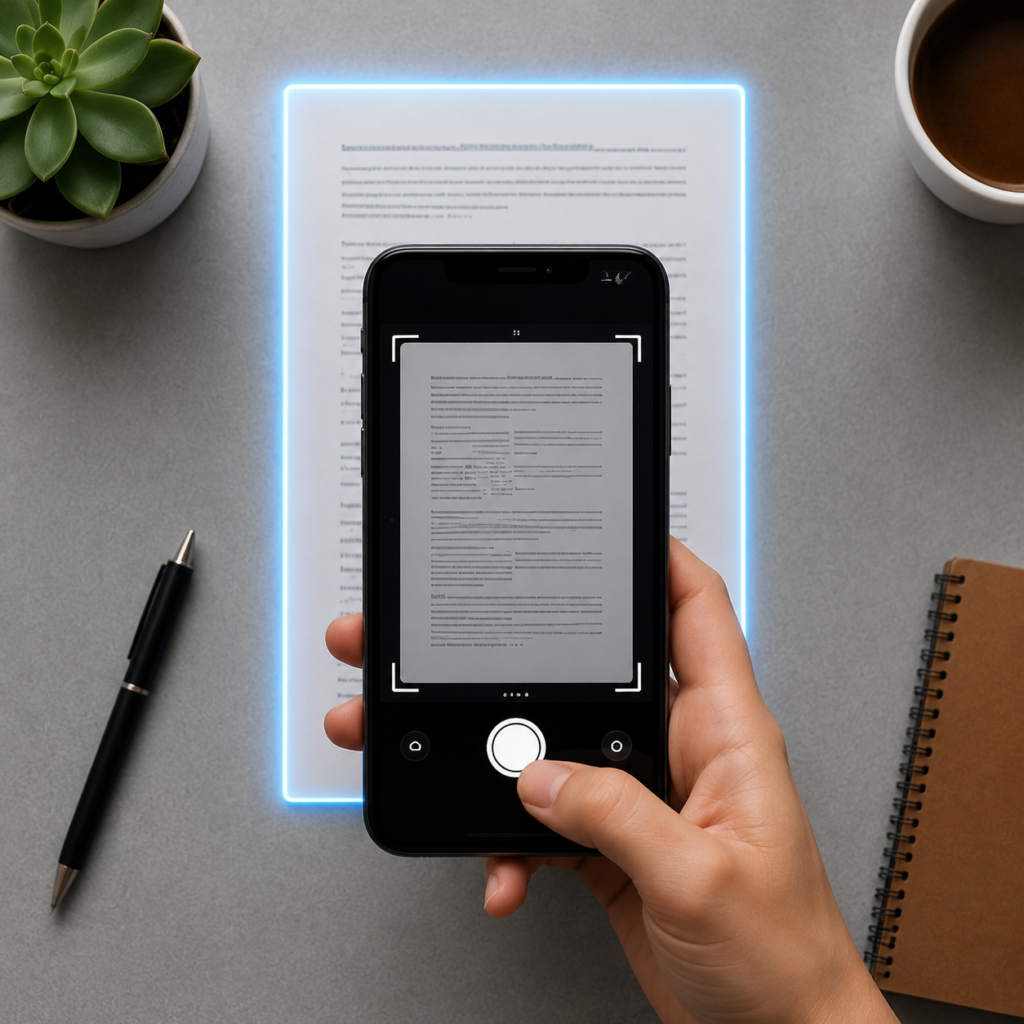
Document scanning applications represent one of the most practical and universally valuable categories of mobile software. They transform your smartphone from a communication device into a comprehensive document management system, eliminating dependence on bulky hardware while improving accessibility, organization, and workflow efficiency.
The technology has matured to the point where smartphone scans rival or exceed the quality of traditional scanners for most everyday purposes. Combined with cloud integration, OCR capabilities, and intelligent organization features, these apps deliver professional-grade document management at minimal or no cost.
As work becomes increasingly mobile and remote, the ability to digitize, organize, and share documents from anywhere becomes not just convenient but essential. Document scanning apps provide the foundation for paperless workflows that save time, reduce costs, minimize environmental impact, and ensure important information remains accessible whenever and wherever you need it.
By selecting the right application for your needs, mastering its features, and integrating it into consistent daily routines, you’ll discover that the once-tedious task of document management becomes effortless. Your smartphone camera becomes a gateway to organized, searchable, shareable information that serves you reliably across all aspects of personal and professional life. The future of document management fits in your pocket—and it’s more powerful than ever.
