
Anúncios
In today’s digital landscape, video content reigns supreme, making video editing skills essential for creators, marketers, and businesses alike.


Whether you’re crafting content for social media, building a personal brand, or promoting your business, understanding how to use a video editor opens up endless creative possibilities. The ability to transform raw footage into polished, engaging videos has become a fundamental skill in our visually-driven world.
Anúncios
From simple trim edits to complex multi-layered productions, video editing software empowers you to tell compelling stories that captivate audiences. Let’s explore everything you need to know about video editing and why investing time in learning this skill can dramatically change your content creation game.
🎬 Why Video Editing Matters More Than Ever

Video content has exploded across every platform imaginable. Social media feeds are dominated by short-form videos, businesses rely on video marketing to connect with customers, and educators use video tutorials to share knowledge. Without proper editing, even the best raw footage falls flat.
Anúncios
A video editor transforms chaotic clips into coherent narratives. It removes awkward pauses, enhances visual appeal, adds professional transitions, and ensures your message lands with maximum impact. The difference between edited and unedited content is stark—one captures attention while the other gets scrolled past.
Modern audiences have high expectations. They’re accustomed to professional-quality content and won’t settle for less. Even casual viewers can spot poorly edited videos, and they rarely stick around to watch them. Quality editing builds credibility and keeps viewers engaged from start to finish.
🔍 Understanding Video Editor Basics
Before diving into complex techniques, you need to grasp the fundamental concepts that underpin all video editing. Every video editor, regardless of platform or price point, shares common features and terminology that form the foundation of the craft.
The Timeline: Your Creative Canvas
The timeline is where all the magic happens. It’s a visual representation of your video displayed horizontally, showing clips, audio tracks, effects, and transitions in chronological order. Understanding how to navigate and manipulate the timeline is your first essential skill.
Most timelines allow multiple layers or tracks, enabling you to stack video clips, overlay graphics, add background music, and incorporate voiceovers simultaneously. Learning to work with multiple layers unlocks creative possibilities that single-track editing simply cannot achieve.
Essential Editing Tools Every Creator Needs
Every video editor contains a core set of tools that you’ll use repeatedly:
- Trim and Cut: Remove unwanted sections from your clips
- Split: Divide clips into separate segments for easier manipulation
- Merge: Combine multiple clips into a continuous sequence
- Speed Controls: Adjust playback speed for slow-motion or time-lapse effects
- Transitions: Create smooth connections between different clips
- Text and Titles: Add captions, subtitles, and graphic text overlays
- Filters and Effects: Apply visual enhancements to change the look and feel
- Audio Mixing: Balance sound levels, add music, and incorporate sound effects
📱 Choosing the Right Video Editor for Your Needs
The market offers countless video editing solutions, from mobile apps to professional desktop software. Your choice depends on your skill level, budget, intended use, and the devices you own.
Mobile Video Editors: Editing On The Go
Mobile editing apps have revolutionized content creation by putting powerful tools directly into your smartphone. These applications are perfect for social media creators, vloggers, and anyone who values convenience and portability.
Modern mobile editors offer surprisingly robust features including multi-track editing, professional-grade effects, color correction, and advanced audio tools. They’re designed with intuitive touch interfaces that make editing feel natural and accessible, even for complete beginners.
Popular mobile options excel at quick edits and social media optimization. Many include templates specifically designed for Instagram Stories, TikTok videos, YouTube Shorts, and other platform-specific formats, saving you time and ensuring your content fits perfectly.
Desktop Software: Professional Power
Desktop editing software delivers maximum power and precision. These programs offer extensive features, support for high-resolution footage, advanced color grading, complex motion graphics, and professional-level audio editing capabilities.
While desktop editors typically have steeper learning curves, they provide the tools necessary for broadcast-quality productions, feature films, commercial projects, and any work requiring pixel-perfect precision and unlimited creative control.
🎯 Step-by-Step Guide: How to Edit Your First Video
Ready to create your first edited video? Follow this straightforward process that works across virtually all editing platforms.
Step 1: Import Your Footage
Begin by gathering all your raw materials—video clips, photos, audio files, and any other assets you plan to use. Import everything into your editing software’s media library or project folder. Organization at this stage saves headaches later.
Create folders or bins to categorize your content: interviews, b-roll, music, graphics, and so forth. This organizational structure becomes increasingly important as your projects grow more complex.
Step 2: Arrange Clips on the Timeline
Drag your primary footage onto the timeline in the order you want it to appear. Don’t worry about perfection yet—this is your rough assembly. Focus on getting the basic story structure in place first.
Watch through your rough cut and identify which sections work and which need adjustment. This initial review helps you spot pacing issues, missing content, or redundant footage before you invest time in fine-tuning.
Step 3: Trim and Refine
Now comes the detailed work. Trim away the fat—remove stammers, awkward pauses, mistakes, and anything that doesn’t serve your story. Tighten your edit by cutting ruthlessly. Viewers appreciate concise, energetic content over long, rambling videos.
Pay special attention to the first few seconds. Grab attention immediately or risk losing your audience before your message even begins. Strong openings are non-negotiable in today’s attention economy.
Step 4: Add Transitions and Effects
Transitions help your video flow smoothly from one scene to the next. Simple cuts work perfectly most of the time, but strategic use of fades, wipes, or creative transitions can enhance storytelling and mark section changes.
Apply effects sparingly and with purpose. Every effect should enhance your story, not distract from it. Over-editing makes content look amateurish rather than professional.
Step 5: Incorporate Text and Graphics
Text overlays serve multiple purposes: they reinforce key messages, provide context, display names and titles, and make content accessible to viewers watching without sound. Well-designed text elements boost professionalism and viewer comprehension.
Keep text concise, readable, and on-brand. Choose fonts that match your content’s tone and ensure sufficient contrast between text and background for easy reading.
Step 6: Perfect Your Audio
Audio quality can make or break your video. Ensure dialogue is clear and at consistent volume levels. Add background music that complements your content’s mood without overpowering speech. Incorporate sound effects where appropriate to add depth and dimension.
Balance is crucial—viewers will tolerate less-than-perfect video quality, but poor audio drives them away instantly. Use audio ducking to automatically lower music volume when someone speaks, ensuring dialogue remains clear.
Step 7: Color Correction and Grading
Color correction fixes technical issues like exposure, white balance, and contrast, ensuring your footage looks natural and consistent. Color grading goes further, creating specific moods and visual styles through creative color manipulation.
Even basic color adjustments significantly improve perceived quality. Most editors include presets or filters that apply professional-looking color grades with a single click, perfect for beginners.
Step 8: Review and Export
Watch your completed video from start to finish, preferably multiple times. Check for mistakes, pacing problems, audio issues, and visual inconsistencies. Fresh eyes catch errors you might have missed during editing.
Export your video using settings appropriate for your intended platform. YouTube, Instagram, TikTok, and other platforms each have optimal specifications for resolution, aspect ratio, file format, and bitrate. Using correct settings ensures your video looks its best wherever it’s viewed.
💡 Advanced Techniques to Elevate Your Edits
Once you’ve mastered the basics, these advanced techniques will set your content apart from the competition.
J-Cuts and L-Cuts
These audio editing techniques create smoother transitions between scenes. In a J-cut, the audio from the next clip begins before the visual transition, while L-cuts let audio from the previous clip continue into the new visual. Both techniques mimic natural human perception and create more cinematic flow.
Keyframing for Dynamic Motion
Keyframes allow you to animate virtually any parameter over time—position, scale, rotation, opacity, and effects. This powerful technique enables dynamic text animations, smooth zoom effects, picture-in-picture movements, and complex motion graphics without separate animation software.
Multi-Camera Editing
If you’ve recorded the same event from multiple angles, multi-camera editing features let you synchronize all angles and switch between them seamlessly. This technique is invaluable for interviews, performances, tutorials, and any content benefiting from varied perspectives.
🚀 The Business Impact of Quality Video Editing
For businesses and entrepreneurs, professional video editing isn’t optional—it’s essential for competitive success. Quality video content drives engagement, builds trust, and converts viewers into customers far more effectively than text or static images.
Professionally edited videos communicate competence and reliability. When potential customers see polished content, they perceive your entire business as professional and trustworthy. Conversely, poorly edited videos undermine credibility and drive prospects toward competitors.
Video marketing delivers measurable results. Edited product demonstrations increase purchase intent, tutorial videos reduce support costs, testimonial videos build social proof, and branded content strengthens customer relationships. The ROI on quality video editing extends far beyond simple view counts.
⏱️ Time-Saving Tips for Efficient Editing
Editing can be time-consuming, but these strategies help you work faster without sacrificing quality:
- Plan before shooting: Know your edit before you film, shooting only what you need
- Use templates: Create reusable templates for intros, outros, and recurring segments
- Learn keyboard shortcuts: Master essential shortcuts to dramatically increase editing speed
- Organize relentlessly: Maintain strict file organization to eliminate searching time
- Batch similar tasks: Complete all cuts first, then all transitions, then all color work
- Set up presets: Save frequently used effects, titles, and export settings as presets
- Edit to the beat: When using music, align cuts to the rhythm for instant professional polish
📊 Common Mistakes to Avoid
Even experienced editors fall into these traps. Awareness helps you sidestep common pitfalls:
Over-editing: Too many transitions, effects, and visual flourishes overwhelm rather than engage. Restraint often produces better results than excess.
Ignoring audio: Treating audio as an afterthought guarantees viewer drop-off. Prioritize clean, balanced sound in every project.
Inconsistent pacing: Videos that drag in places and rush in others create jarring viewer experiences. Maintain intentional, consistent rhythm throughout.
Neglecting platform requirements: Creating horizontal videos for vertical platforms (or vice versa) immediately marks your content as amateur and reduces engagement.
Skipping the review process: Publishing without thorough review leads to embarrassing mistakes that damage credibility and require time-consuming corrections.
🎓 Continuing Your Video Editing Education
Video editing skills develop through practice and continuous learning. The most successful editors never stop improving their craft, constantly exploring new techniques, tools, and creative approaches.
Online tutorials, courses, and communities provide endless learning opportunities. YouTube hosts thousands of free tutorials covering every editing technique imaginable. Dedicated learning platforms offer structured courses from beginner to advanced levels.
Study content you admire. Watch videos in your niche critically, analyzing editing choices, pacing decisions, transition usage, and storytelling techniques. Understanding why certain edits work helps you apply similar principles to your own projects.
Experiment fearlessly. Every editing software includes features you’ve never tried. Dedicating time to exploration and experimentation expands your creative toolkit and often leads to signature techniques that define your unique style.
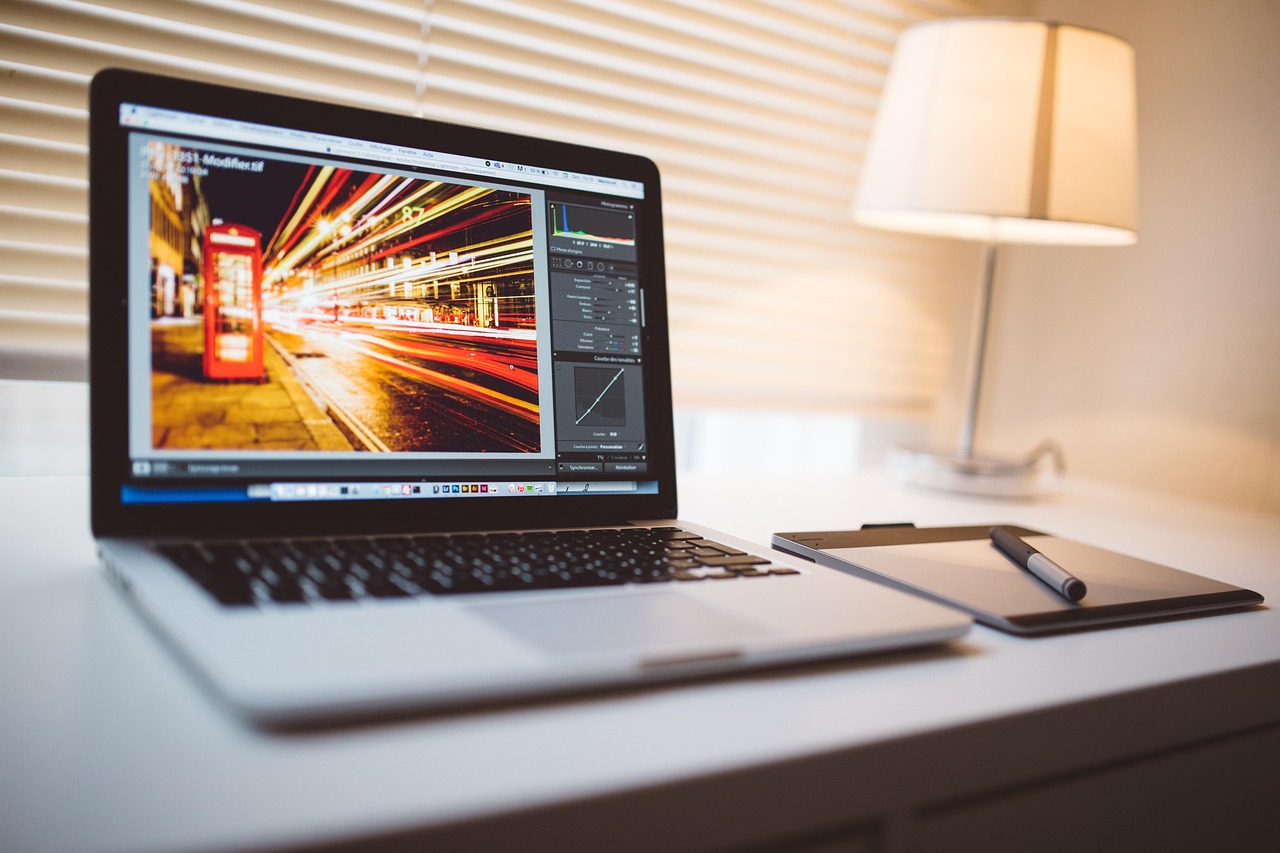
🌟 Transform Your Content Through Editing Mastery
Video editing represents one of the most valuable skills you can develop in today’s digital environment. Whether you’re building a personal brand, growing a business, or simply capturing life’s moments, editing transforms ordinary footage into extraordinary stories that resonate with audiences.
The journey from beginner to proficient editor requires patience, practice, and persistence. Start with simple projects, master fundamental techniques, then gradually tackle more complex edits as your confidence and skills grow.
Remember that every professional editor started exactly where you are now—uncertain, overwhelmed, and facing a steep learning curve. The difference between those who succeed and those who give up is simply consistent practice and a willingness to learn from mistakes.
Your first edits won’t be perfect, and that’s completely normal. Each project teaches valuable lessons that improve your next creation. Embrace the learning process, celebrate small victories, and keep pushing your creative boundaries.
The tools are accessible, the resources are available, and the opportunities are limitless. All that’s missing is your commitment to begin. Download a video editor today, import some footage, and start creating. Your audience is waiting for the stories only you can tell—stories that video editing helps you share with clarity, impact, and professional polish that commands attention and drives results. ✨
